
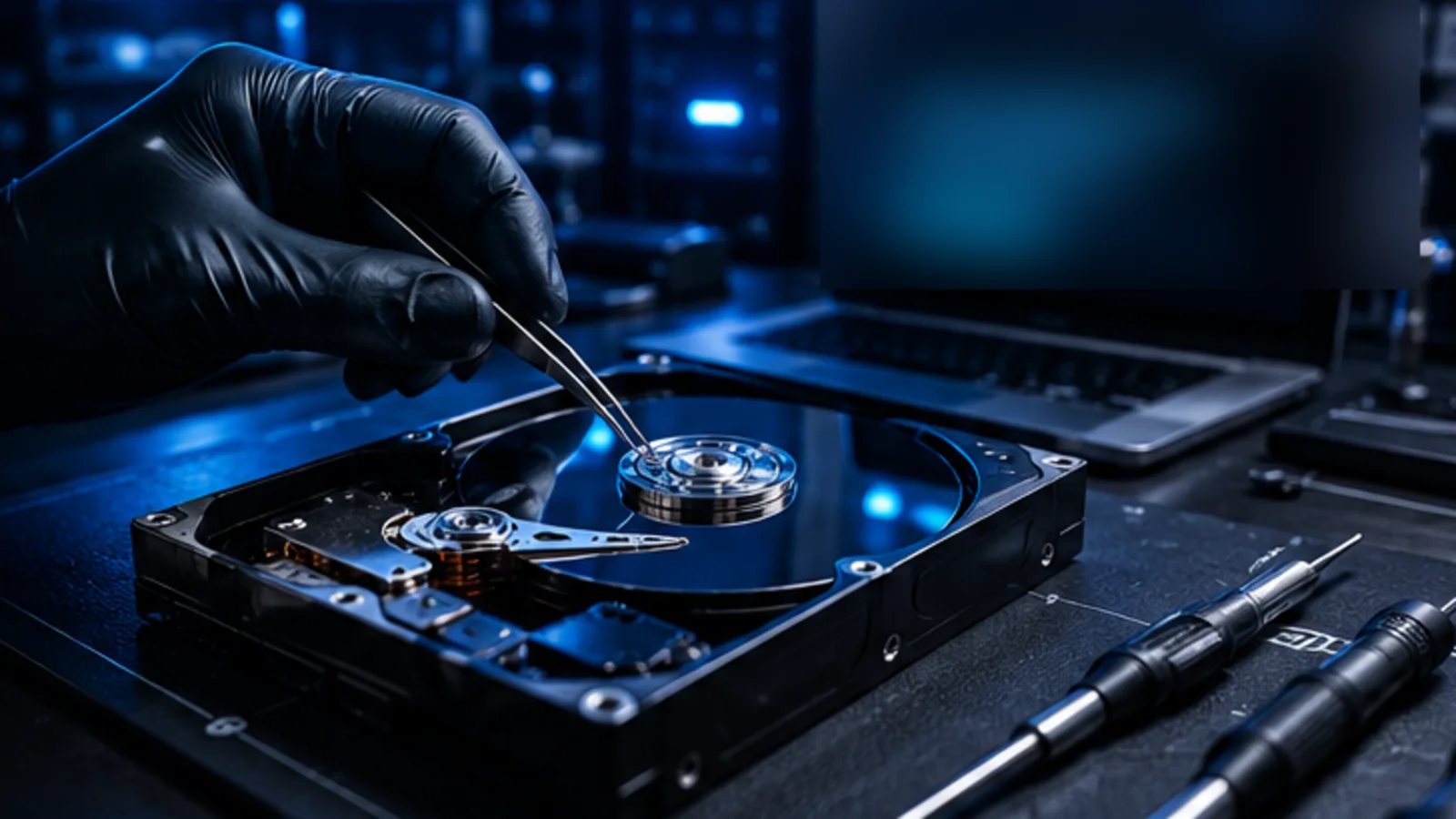
Hard Drive Recovery
Recover files from failing, corrupted, unreadable, or unstable internal and external hard drives.
Lost files aren’t gone forever. We can help.
From accidental deletion to drive failure, AME Computers provides professional data recovery evaluation for hard drives, SSDs, USB storage, memory cards, and computers that no longer boot normally. We start by protecting the source, identifying the type of failure, and explaining the safest recovery path.
We evaluate data loss across a wide range of storage devices and failure situations.
Recover files from failing, corrupted, unreadable, or unstable internal and external hard drives.
Evaluate solid-state drives affected by controller trouble, file-system damage, flash failure, or lost access.
Recover deleted, corrupted, or inaccessible files from USB drives, thumb drives, and portable flash storage.
Recover photos, videos, and files from SD, microSD, and other memory cards used in cameras and devices.
Evaluate RAID arrays and multi-drive storage when a disk failure or configuration problem puts important data at risk.
This short flow does not diagnose the drive. It helps identify the safest next step and the information AME will want before recovery work begins.
This guidance is triage information, not a diagnosis or a guarantee that data can be recovered.
Two drives can show the same symptom for completely different reasons. A healthy drive with a damaged file system is a different recovery problem from a hard drive with failing heads, an SSD with controller trouble, or a USB device that disconnects whenever it is moved.
The first goal is not to make the device boot at any cost. The first goal is to avoid making a recoverable situation worse. That means limiting unnecessary writes, avoiding repeated repair utilities on unstable media, and separating ordinary computer repair from data-preservation work when the files are the priority.
For Bellevue customers, we start with the device, the symptoms, how important the files are, and what changed immediately before the failure. That gives the recovery decision a technical reason instead of a guess.
The more important the files are, the more conservative the first steps should be.
Corruption, deleted files, damaged partitions, and formatting mistakes can leave storage hardware functional while the data structure is no longer accessible normally.
Read errors, disconnects, slow access, unusual noises, and repeated retries can indicate a storage device that should not be stressed with normal troubleshooting.
Solid-state storage fails differently from mechanical drives. Controller behavior, flash memory, encryption, and how the device is recognized all affect the recovery path.
A computer that will not start does not automatically mean the data is gone. The operating-system problem and the condition of the storage need to be evaluated separately.
After deletion or formatting, continued use can overwrite recoverable data. Stop installing software, saving files, or running unnecessary write-heavy tools on the affected device.
Some mechanical or electronics failures require specialized recovery equipment or lab-level handling. A responsible evaluation should identify that before aggressive bench work is attempted.
The process should match the condition of the storage and the value of the files, not force every case through the same set of utilities.
We start with the device, symptoms, recent events, encryption or passwords, and which files actually matter most.
The goal is to understand whether the problem looks logical, electrical, mechanical, or related to the computer rather than the storage itself.
We explain what can reasonably be attempted at the current stage and when a case should stop and move to more specialized recovery handling.
Recovered data should be written to a separate destination, not back onto the source device that caused the problem.
If the only copy of family photos, business documents, tax files, creative work, or other irreplaceable data is on a failing drive, getting the computer to boot is not the primary objective. Preserving the best recovery opportunity is.
Repeated scans, repair utilities, formatting, operating-system reinstalls, and continued daily use can all write new data. On an unstable drive, even repeated power cycles can add stress. If you are unsure, stop and ask before experimenting.
“The safest next step is often the one that changes the source drive the least.”
Recovery work should create a path away from the failing media, not depend on making that same media behave like a healthy drive again.
The first actions after data loss can affect what is still recoverable.
If the files are important, minimize use of the affected drive. New files, updates, temporary files, and software installations can overwrite storage space that may still contain deleted data.
Not as a first response. Clicking or repeated spin-up behavior can indicate a physical problem. Continued use and repeated scans can put additional stress on a failing mechanical drive.
Sometimes, but SSD recovery is highly dependent on the failure and how the drive manages flash memory. Controller failures, encryption, TRIM behavior, and whether the device is still detected can all affect the outcome.
That is why diagnosis matters. A non-booting computer can have an operating-system, motherboard, power, or other hardware problem while the storage remains readable. The data and the computer should be evaluated as separate questions.
Many external-drive, USB, and memory-card cases can be evaluated. The recovery path depends on whether the problem is deletion, file-system damage, a bad connector, controller failure, physical damage, or another storage fault.
Call AME Computers in Bellevue and tell us what happened, what device is involved, and which files matter most. We’ll help you determine the safest next step.