

Power Supply & No-Power Problems
A dead system can involve the power supply, motherboard, cabling, switch, surge damage, or another failed component. Proper testing keeps a simple failure from becoming an expensive guess.
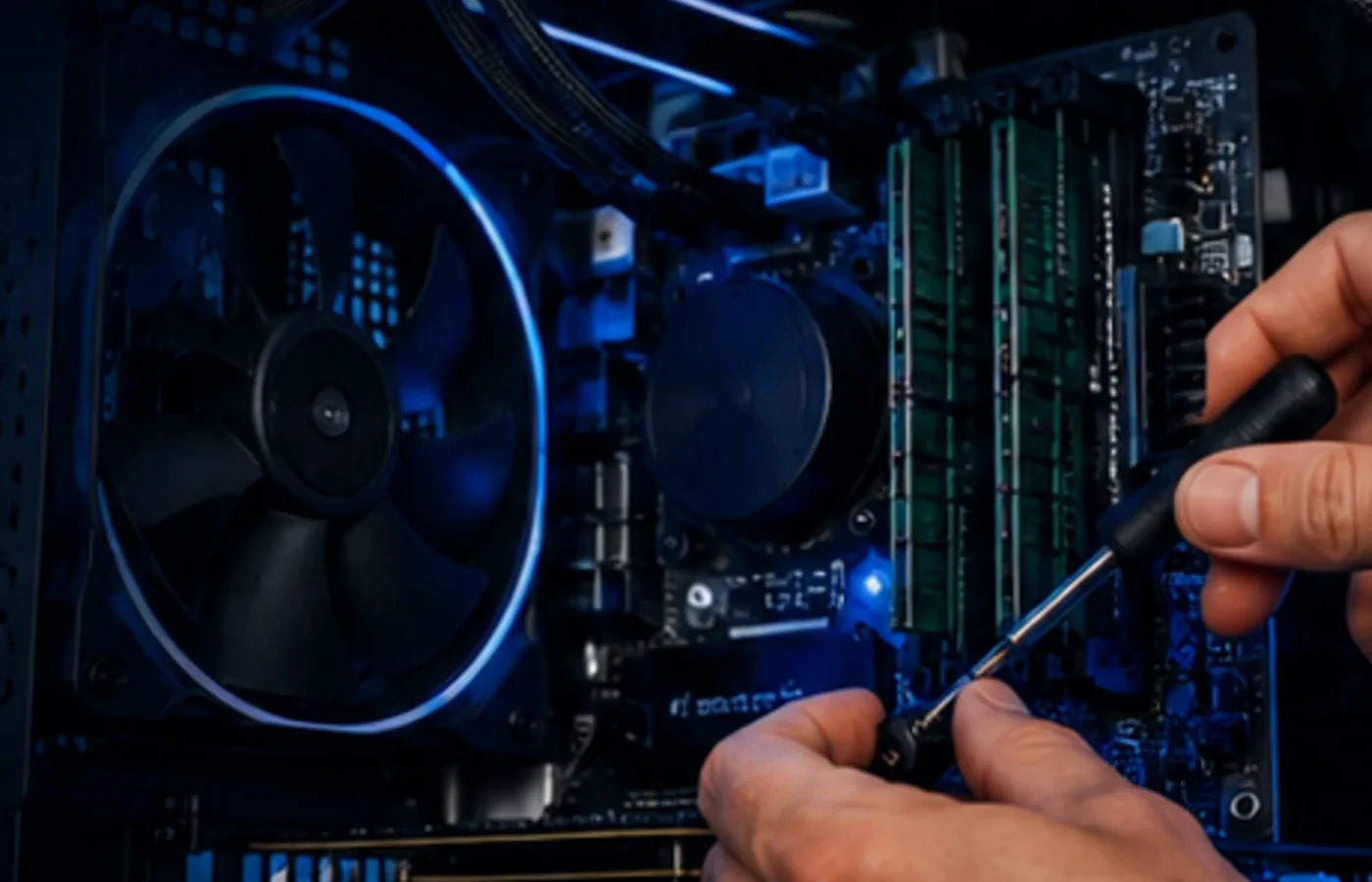
Local desktop PC repair for no-power, boot, storage, memory, cooling, Windows, graphics, and performance problems.
Desktop computers are wonderfully repairable when the diagnosis is right. A failed power supply, aging drive, unstable memory, overheating processor, damaged motherboard, Windows problem, or bad peripheral can create very similar symptoms. At our Bellevue, Nebraska shop, AME Computers narrows the failure first, then explains the repair or upgrade options in plain language.
One advantage of a desktop PC is that many important components can be tested and replaced individually. When a system will not power on, randomly restarts, freezes under load, runs unusually hot, or suddenly becomes slow, the entire computer is not automatically “bad.”
We look at the symptom and the system as a whole. Power delivery, storage health, memory stability, temperatures, Windows behavior, motherboard condition, graphics hardware, and peripherals can all affect reliability. Testing those areas helps separate a real hardware failure from a software problem or an upgrade opportunity.
That approach matters especially with custom PCs, gaming desktops, business workstations, and older systems that may still have plenty of useful life left after the right repair.
We start with what the computer is actually doing and work backward to the likely cause.
A dead system can involve the power supply, motherboard, cabling, switch, surge damage, or another failed component. Proper testing keeps a simple failure from becoming an expensive guess.
Failing hard drives, aging SSDs, low memory, startup clutter, Windows problems, and thermal throttling can all make a desktop feel painfully slow.
Bad RAM, unstable settings, motherboard faults, driver problems, or power issues can create freezing, crashes, blue screens, and seemingly random behavior.
Dust, failed fans, poor airflow, old thermal compound, pump failures, or an undersized cooling setup can reduce performance and shorten component life.
No video, driver crashes, visual artifacts, instability under load, or display failures may involve the GPU, power supply, motherboard, cable, monitor, or software.
Boot failures, corrupted Windows installations, USB issues, network problems, sound trouble, and peripheral failures can often be repaired without replacing the computer.
Desktop systems are modular, which is useful only if the testing is disciplined. We avoid the “swap parts until it works” approach whenever practical.
We ask what changed, whether the failure is constant or intermittent, and what the computer was doing when the problem began.
Power, temperatures, storage, memory, graphics, Windows, and connected hardware are checked based on the symptoms rather than a canned checklist.
If the system needs a part, repair, or worthwhile upgrade, we explain why and how it affects the computer’s useful life.
After approved work is completed, we return to the symptom that brought the machine in and make sure the system behaves the way it should.
Because desktops are modular, a repair can sometimes be the right moment to replace a failing hard drive with an SSD, add memory, improve cooling, install a more appropriate power supply, or address another bottleneck that is already limiting the system.
That does not mean every repair needs an upgrade. We separate what is required to fix the failure from what is optional, then let you decide what makes sense for the way you use the computer.
“A good desktop is often worth repairing because one failed component does not have to retire the entire machine.”
Repairability is one of the reasons desktops remain useful for businesses, gaming, creative work, and long-term ownership.
You usually do not need to bring every cable and accessory, but a few details can make diagnosis easier.
Usually the desktop tower is enough. If the problem appears only with a specific monitor, cable, accessory, or peripheral, bring that item or tell us exactly what happens when it is connected.
Yes, we work with many standard desktop components and custom systems. The exact repair depends on the hardware, configuration, failure, and availability of compatible parts.
Power problems can mimic motherboard, graphics, or other failures, so diagnosis matters. We test the power path in context rather than assuming the power supply is the cause.
If an upgrade is compatible and actually useful for your workload, we can discuss it separately from the required repair so you know what is necessary and what is optional.
Tell us before work begins. Storage health and data importance should be part of the diagnostic conversation whenever a computer is crashing, failing to boot, or showing drive-related symptoms.
Contact AME Computers in Bellevue or bring the desktop in for a straightforward diagnostic conversation.