
Slow & Unresponsive Computers
We track down performance bottlenecks, excessive startup programs, storage issues, software problems, overheating, and hardware limitations.
Local diagnostics and repair for desktops, laptops, and custom PCs in Bellevue.
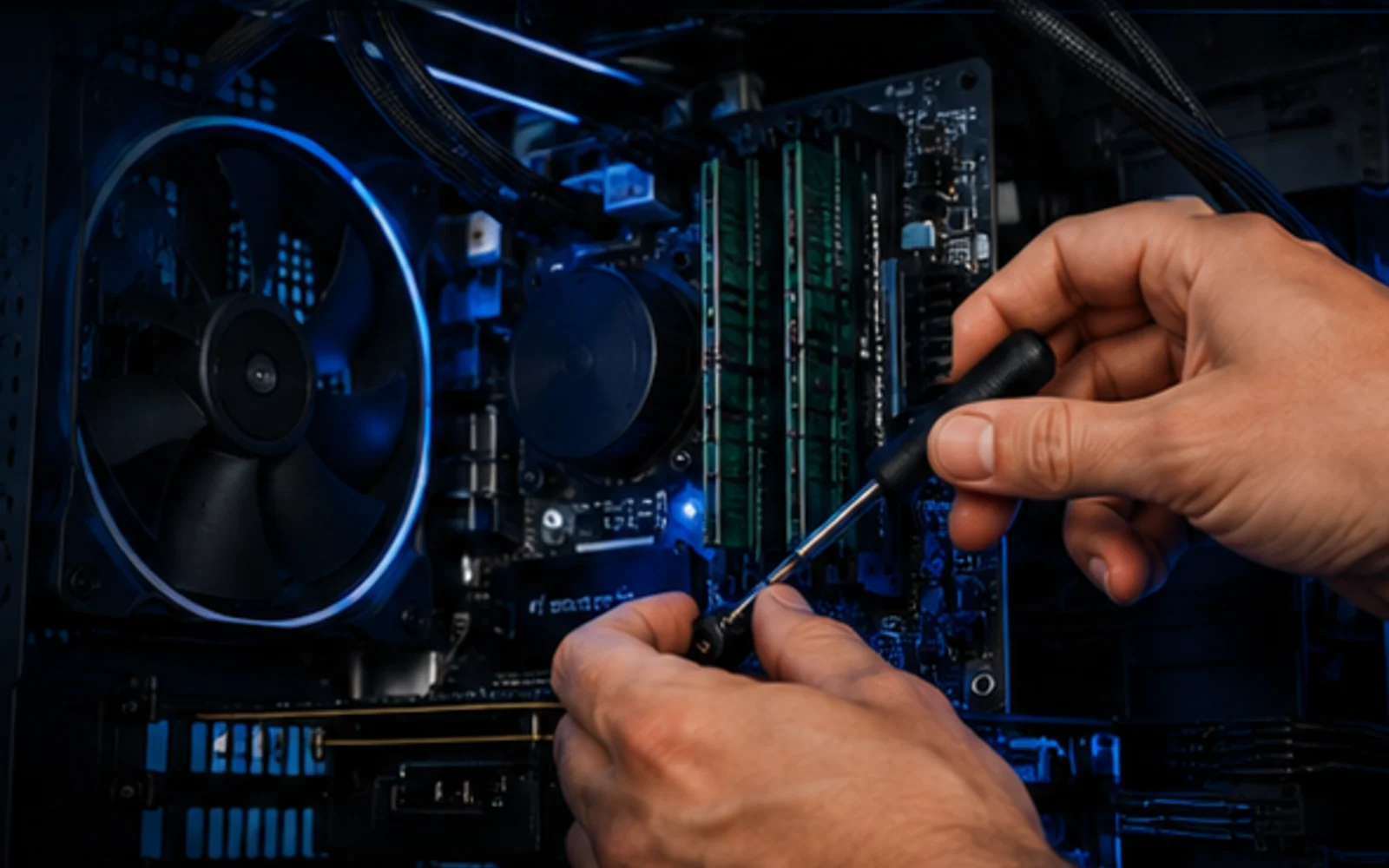
When a computer is slow, crashing, overheating, refusing to start, or simply acting strange, we begin with the cause—not a guess. AME Computers tests the system, explains what we find in plain language, and recommends the repair that makes sense for the machine and your budget.
A computer can feel “dead” for dozens of different reasons. A failing drive can look like a Windows problem. Overheating can cause random shutdowns. Bad memory can cause crashes that seem completely unrelated. Malware can make an otherwise healthy machine crawl.
That is why we do not begin by throwing parts at the computer. We look at the symptoms, test the likely causes, and narrow the problem down before recommending a repair. If there is a simpler or more economical path, we will tell you.
We work on everyday home computers, business desktops, gaming systems, laptops, and custom PCs. The goal is straightforward: get the machine stable, useful, and dependable again without making the process harder than it needs to be.
Some repairs are simple. Others need deeper troubleshooting. We handle both, and we explain what we find in plain language.
We track down performance bottlenecks, excessive startup programs, storage issues, software problems, overheating, and hardware limitations.
Boot failures, blue screens, repeated crashes, corrupted system files, update failures, and unstable Windows installations all need a cause—not a reset button.
We test storage, memory, cooling, power supplies, graphics hardware, cables, ports, and other components when the symptoms point to hardware.
When pop-ups, browser redirects, suspicious software, or unusual behavior appear, we investigate the system and clean up what should not be there.
If files disappear, a drive stops behaving normally, or a computer will not read its storage correctly, we can evaluate the safest next step before making things worse.
SSD, RAM, graphics, cooling, and other upgrades can extend the useful life of the right computer. We help you decide whether an upgrade is worth the investment.
Good troubleshooting is methodical. We start with what the computer is doing, reproduce the problem when possible, and test the areas most likely to be responsible.
Even small details—when it started, unusual sounds, recent updates, or intermittent failures—can help narrow the diagnosis.
We inspect and test the system to identify the likely source of the problem before recommending work.
We explain what we found, what the realistic options are, and whether repair or replacement makes more sense.
When you approve the repair, we complete the work and verify that the original problem has been addressed.
Age, overall condition, replacement cost, performance needs, and the value of the data on the computer all matter. A repair that makes sense on a newer workstation may not make sense on an older entry-level machine.
We would rather give you enough information to make a good decision than push a repair that does not add up. If an SSD or memory upgrade can give the machine useful life, we can explain why. If the economics point toward replacement, we can say that too.
“Fix the problem that actually exists, explain it clearly, and give the customer a sensible path forward.”
That approach keeps the conversation focused on your computer—not on selling unnecessary work.
These are some of the questions people ask when they are deciding what to do with a problem computer.
No. Tell us what the computer is doing, when the problem happens, and anything that changed around the time it started. Diagnosis is our part of the job.
Yes. AME Computers works on desktops and laptops, including many hardware and software problems. Some device-specific repairs are better handled through one of our specialized service pages.
Not every repair affects your data, but any storage device can fail unexpectedly. If your files are important, tell us before work begins so data risk can be part of the diagnostic conversation.
No. Malware is one possible cause, but slow performance can also come from failing storage, low memory, overheating, software conflicts, too many background programs, or simply aging hardware.
It depends on the machine, the failure, what you use it for, and the cost of a comparable replacement. We can help you compare those factors after the problem is diagnosed.
Bring the computer to AME Computers in Bellevue, or contact us first if you have questions about the problem.