Windows Troubleshooting
Startup problems, settings, update issues, application errors, slow behavior, and common Windows problems that do not point to failed hardware.
Fast help for problems that do not require hands-on hardware repair.
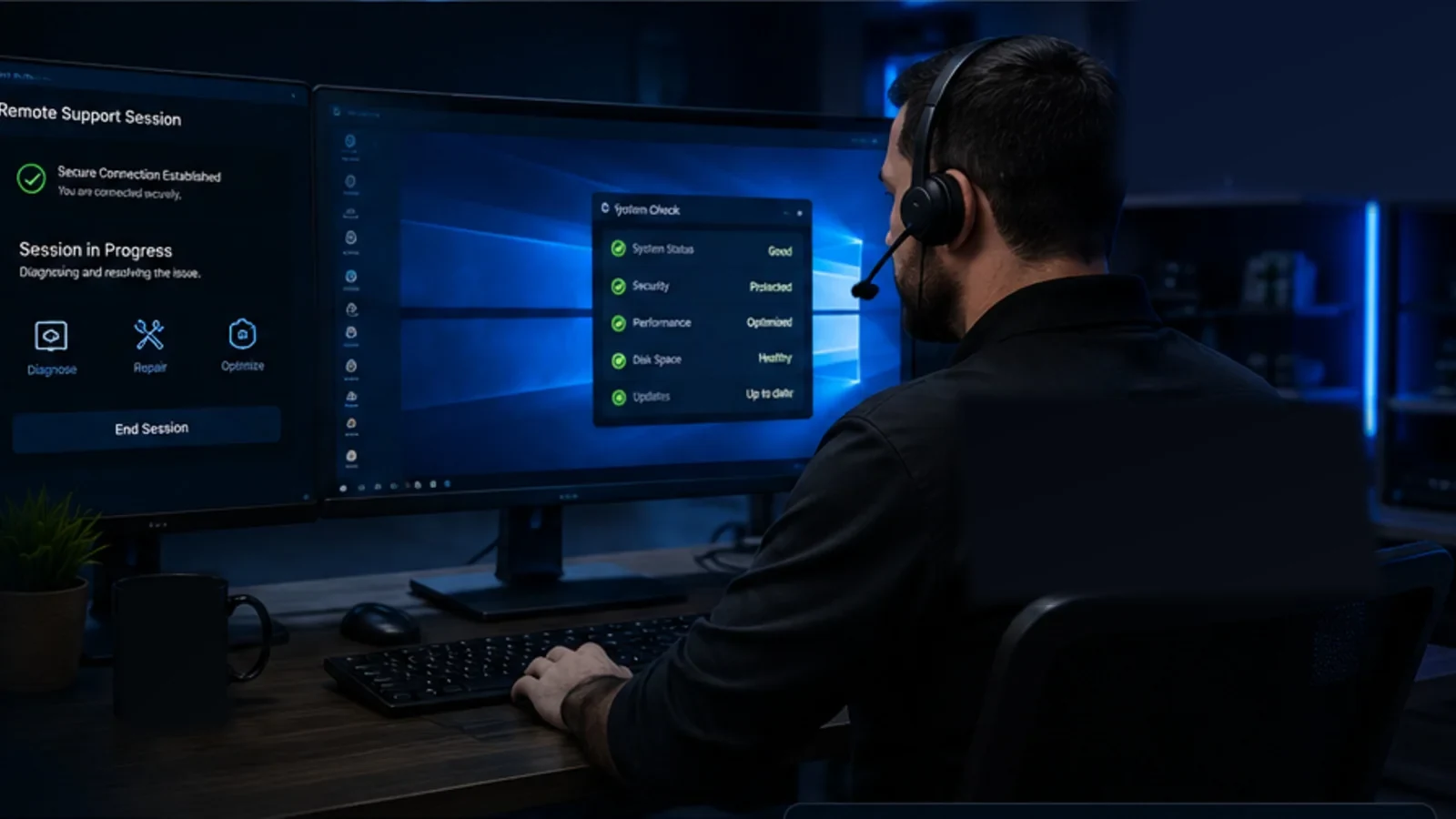
AME Computers provides remote computer support in Bellevue for Windows problems, software errors, browser issues, account and email settings, performance troubleshooting, updates, and other problems that can be handled safely over an approved remote session.
Remote support works best when the computer powers on, can reach the internet, and the problem lives in Windows, software, settings, accounts, browsers, or connected devices.
Startup problems, settings, update issues, application errors, slow behavior, and common Windows problems that do not point to failed hardware.
Install, update, configure, remove, or troubleshoot supported applications and resolve conflicts that are interfering with normal use.
Help with browser settings, account sign-in problems, email configuration, suspicious extensions, pop-ups, and common user-profile issues.
Assist with supported printers, scanners, webcams, and common peripherals when the problem is software, driver, or configuration related.
Work through common Wi-Fi, DNS, browser, adapter, and local-computer connectivity problems when the machine is still reachable online.
Investigate suspicious software, browser redirects, unwanted programs, and security settings when a remote session is appropriate for the situation.
Remote support can save a trip when the computer itself is healthy enough to turn on, connect to the internet, and run the support session. That makes it well suited to many Windows, software, browser, account, email, configuration, and performance problems.
It is not a substitute for physical diagnostics. A laptop with a broken charging port, a desktop that will not power on, a drive making unusual noises, liquid damage, a failed screen, or a board-level fault still needs hands-on inspection. AME Computers can help separate those two situations before time is wasted trying to solve a hardware problem through software.
The goal is simple: use remote support when it is the efficient tool, and move to bench service when the machine needs to be physically tested or repaired.
If the computer cannot stay powered, cannot get online, or has physical damage, remote access may not be possible or useful.
Dead systems, charging-port faults, failed power circuits, and intermittent power need physical testing.
Clicking drives, drives that disappear, severe read errors, and important-data situations should be evaluated with data preservation in mind.
Cracked displays, damaged USB-C ports, broken hinges, keyboards, and connectors require hands-on repair.
Spills, corrosion, impact damage, and damaged boards need inspection before software troubleshooting makes sense.
If the computer cannot establish a usable internet connection at all, the remote session itself may not be possible.
Memory, storage, thermal, motherboard, GPU, and other hardware faults are better confirmed with proper bench diagnostics.
Remote support should be clear, limited to the problem being worked on, and appropriate for the condition of the computer.
Many Windows, software, browser, email, account, update, configuration, performance, and supported peripheral problems can be evaluated remotely when the computer powers on and has a usable internet connection.
No. A computer that will not power on cannot start a remote session and needs hands-on diagnostics. The same is generally true for charging faults, physical damage, liquid damage, and many storage or motherboard problems.
Yes. A remote-support session should begin with your participation and approval. We will explain the connection steps when remote support is appropriate for the problem.
Sometimes. Certain unwanted programs, browser hijacks, pop-ups, and software-level malware symptoms can be investigated remotely. More severe infections or situations involving important data may justify a different repair path.
We will tell you when the symptoms point away from software and toward a physical fault. AME Computers can then continue with in-shop diagnostics instead of wasting time trying to force a remote fix.
Contact AME Computers for remote computer support in Bellevue, NE. If the problem needs hands-on repair instead, we can point you toward the right service path.